
How to Add/ Remove a Credit Card from Your Account
1. In your PrivateAuto account, click on your profile in the top left, next to the PrivateAuto logo.
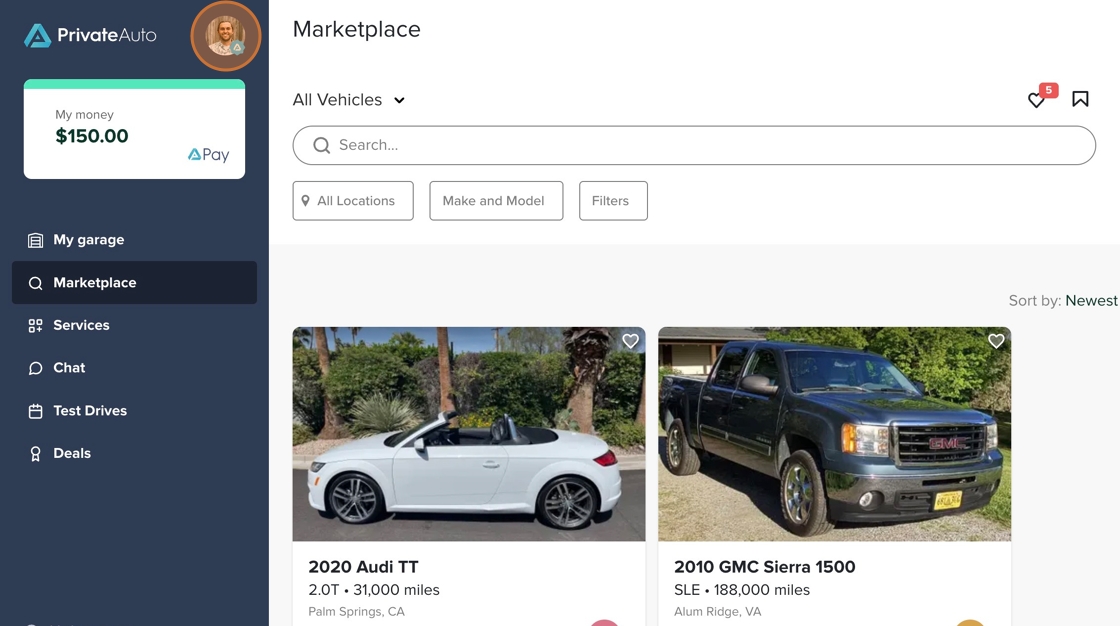
2. Scroll down and click "Payments"

3. Click "Payment methods"

4. From here, you can either click "Add New" to add a new credit card, or you can click the three dots next to the card you would like to remove.

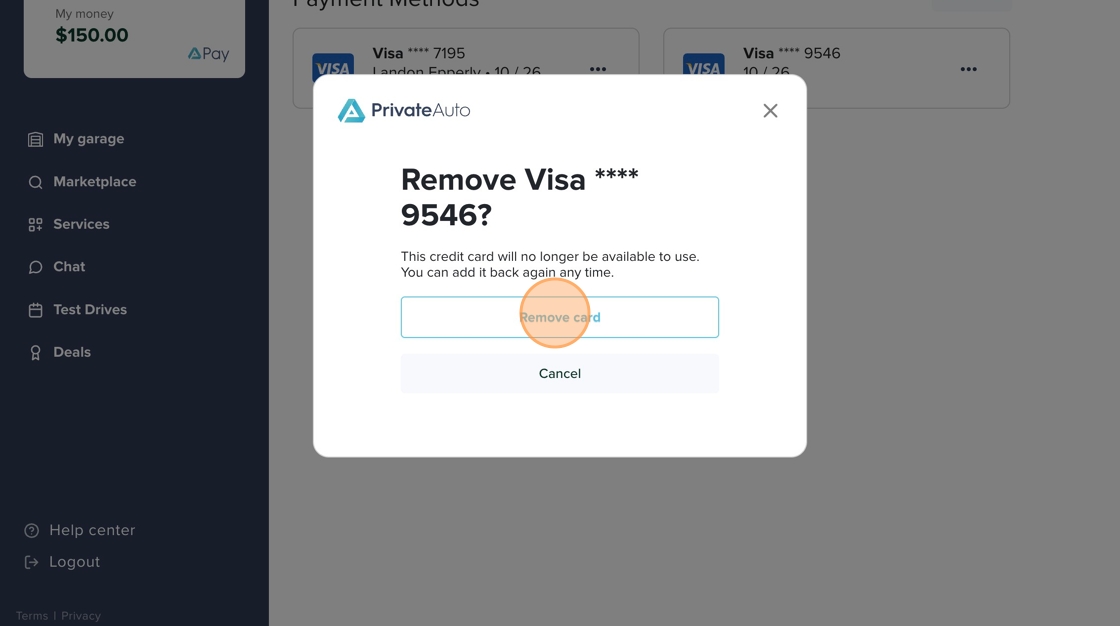
5. Click "Remove card"

6. Click "Remove card" to officially remove your credit card from your account.
7. You will receive a notification at the bottom of the screen that the payment method has successfully been removed.
