
How to Cancel a Deal
1. From your main account screen, click "Deals" on the left sidebar.

2. Click the three dots in the top right corner of the deal you want to cancel and click "Cancel Deal"

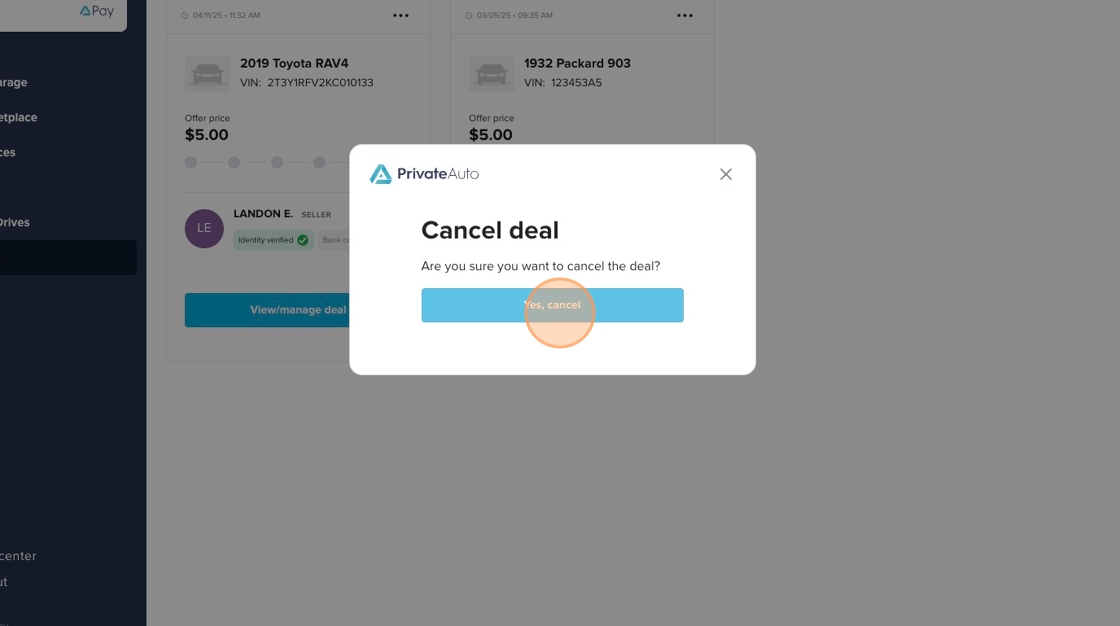
3. Click "Yes, cancel"
4. You can also cancel the deal by clicking the "View/manage deal" button to view the entire deal before canceling.

5. You will then click "Cancel deal" in the top right corner

6. Click "Yes, cancel" to confirm.

Tip: If you have an active deal on the PrivateAuto Marketplace, canceling a deal will remove the Pending Sale tag on your listing.